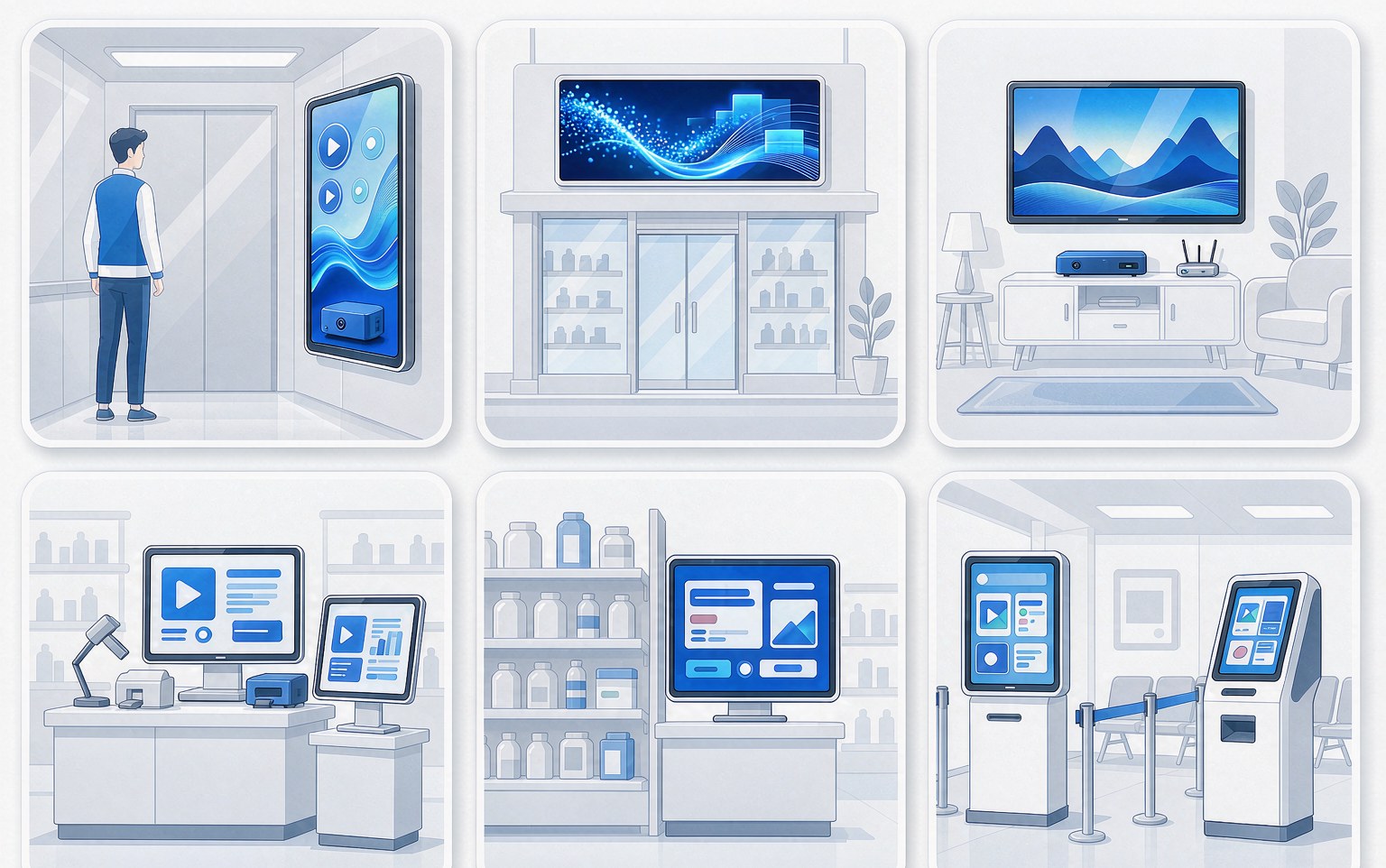
When specifying signage players, set-top boxes, dual-screen POS terminals or shelf displays, three questions come up every time: can it decode 4K, will the legacy panel work, and is the software easy to work with. All three point at the same thing — the video path of the host platform.
This note compares the H618 with a few common alternatives, in terms of the trade-offs that actually appear in projects.
Where the H618 sits
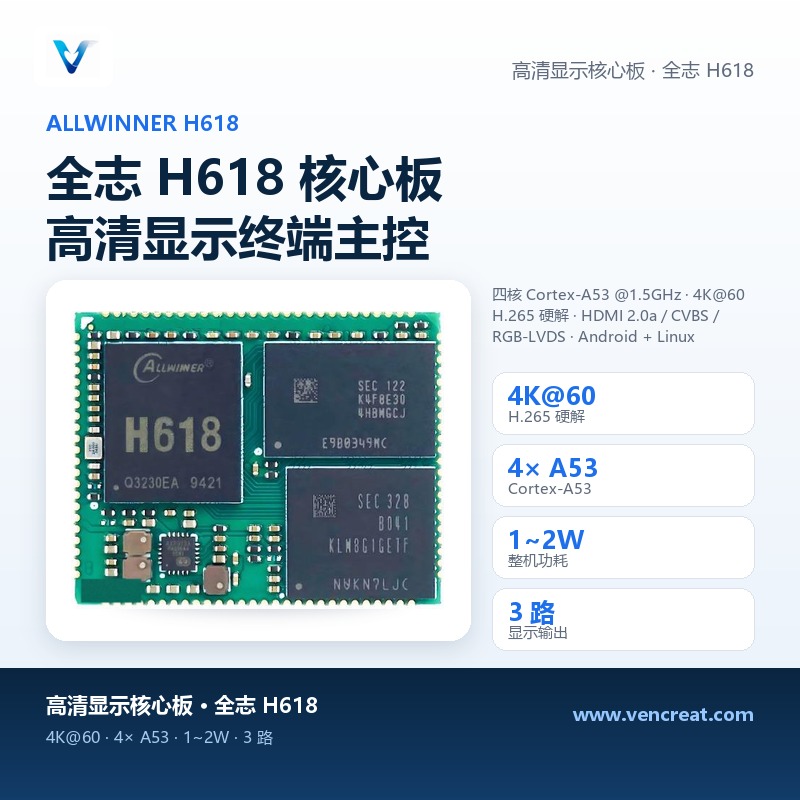
The Allwinner H618 is a quad-core Cortex-A53 at 1.5GHz with a Mali G31 GPU, 4K@60 H.265/H.264 hardware decode, and three display outputs: HDMI 2.0a, CVBS and RGB/LVDS. Typical system power sits around 1–2W, which keeps fanless designs comfortable.
It handles the “playback plus output” path well and does not chase AI compute. The decision rule is therefore simple: if the product’s value is delivering content to a screen reliably and clearly, the H618 fits; if the product must run vision models locally, choose a different platform.
Platform trade-offs
| Platform | CPU | AI compute | Decode | Best fit |
|---|---|---|---|---|
| H618 | 4× A53 | — | 4K@60 | Signage, boxes, smart screens, dual-screen POS |
| H616 | 4× A53 | — | 4K@60 | Previous generation, similar positioning |
| RK3566 | 4× A55 | 1 TOPS | 4K@60 | Display terminals needing light AI |
| RK3326 | 4× A35 | 0.5 TOPS | 1080p | Low-cost small panels |
A few practical notes:
- Legacy panel support is a hard requirement. In many retrofit projects the panel is a CVBS or LVDS unit from several years ago; replacing the mainboard while keeping the screen is the cheapest path. Having three output types available is what makes that possible.
- Size AI compute to the task. Face capture or footfall counting fits comfortably in the RK3566 class. If the product needs larger models or multi-stream video structuring, move up to a 3 TOPS platform such as the RV1126B rather than forcing a mid-tier part.
- Power draw drives mechanical cost. A fan adds dust ingress, noise and RMA risk over time. A 1–2W fanless design is simpler to live with in 24/7 deployments.
On being “as easy to start with as a Raspberry Pi”
Engineers often compare boards like these with Raspberry Pi-class single-board computers. The two aim at different things: Raspberry Pi-class boards are strong on general-purpose ecosystem and community material, which suits prototyping and teaching; volume display terminals usually care about three other things — whether the OS version can be locked, whether the carrier can be built to your own interface definition, and whether supply and long-term maintenance are guaranteed.
On those three points the H618 core board offers Android 9/12 and Debian/Ubuntu images, an open hardware design guide, and carrier plus BSP customization with the OS version locked per project. Convenience during development comes from documentation and tooling; determinism during production comes from the core-board format.
For projects moving from prototype to small volume, the usual path is to validate the playback path and panel compatibility on a development board, then port the logic to a core board with a custom carrier. That keeps the debugging convenience of a general-purpose board and the freedom a product needs.
Configurations and supply
The H618 core board ships with 1GB or 2GB DDR3 and 8GB to 128GB eMMC options. Interfaces include Gigabit Ethernet, optional WiFi/BT, two USB 2.0 ports, TF card, IR and audio. Core boards are held in stock with small-batch orders supported, and datasheets are available in English and Chinese.
For selection questions or samples, contact sales@vencreat.com or visit https://vencreat.com.