
October 14, 2026 · AI Education Column · AI WonderKit
A child presses the last brick into place, hits power and says hello. It moves. The look on their face at that moment isn’t “I got a toy” — it’s “I built something alive.” That’s the moment AI WonderKit exists for: you build it, you talk to it, it lives.
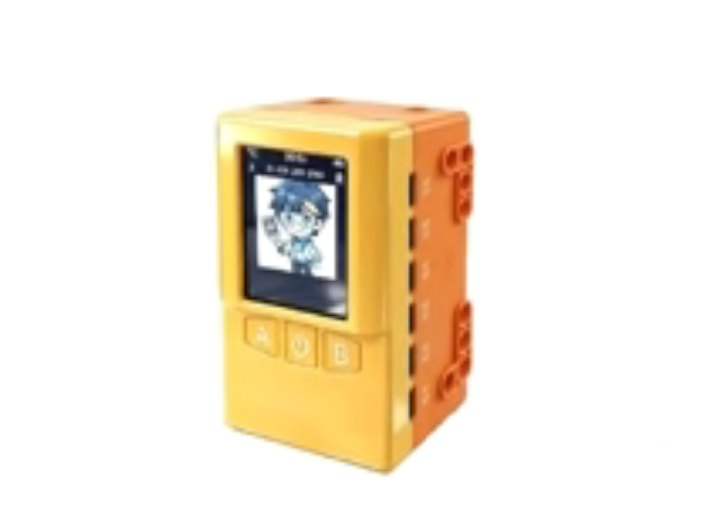
First, be clear: this is not a toy that moves
Most coding toys sell an outcome: press a button, it wiggles twice, the kid plays for three days and it goes into the cupboard.
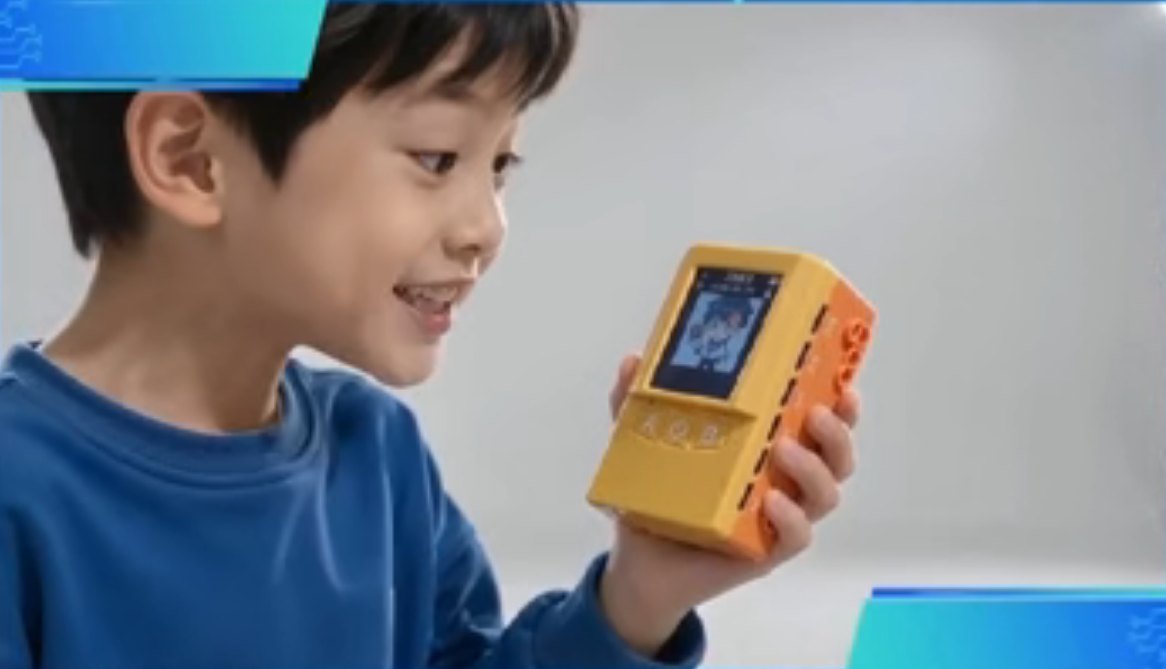
AI WonderKit sells something else: a sense of control. A child says one sentence, and it understands, decides and acts. No code to memorise first — speaking is creating. That first-second sense of control is why kids keep coming back: the thing they built is listening to them.
One controller, endless creatures
What parents quietly worry about is different: the dust.
So this isn’t one fixed model. The controller carries multiple Type-C ports and works with a shape library — a race car today, a windmill, mechanical flowers or a printer tomorrow. When the duck gets boring, build a dragon. Creations keep growing: every session is a new act of making, not replaying the same toy.
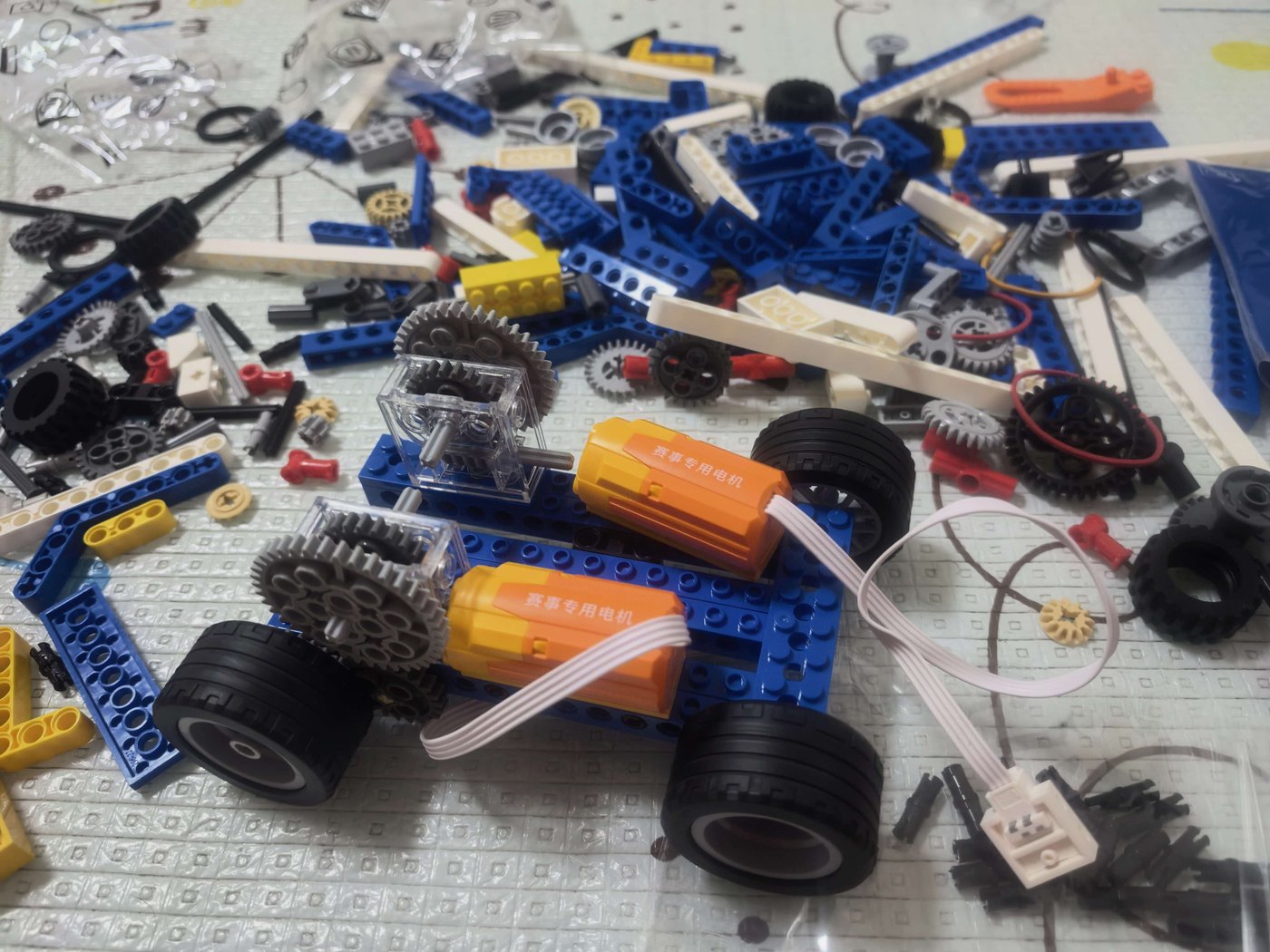
The photo above is the race car from loose parts to chassis: structure, gear drive, two racing motors — all built by hand. Put it on the floor and it really runs.
How it actually connects: the ports, explained once
Clarity beats adjectives. The AI WonderKit controller carries six Type-C style ports per side: M1–M6 on the left feed motors and servos, S1–S6 on the right take expansion modules (LED matrix, buttons, ultrasonic modules, UART sensors, printers and more); on top sit USB1 (camera / 4G), the LCD connector and the NFC antenna; the front has button A, the power switch and button B, with USB0 underneath for charging and flashing.
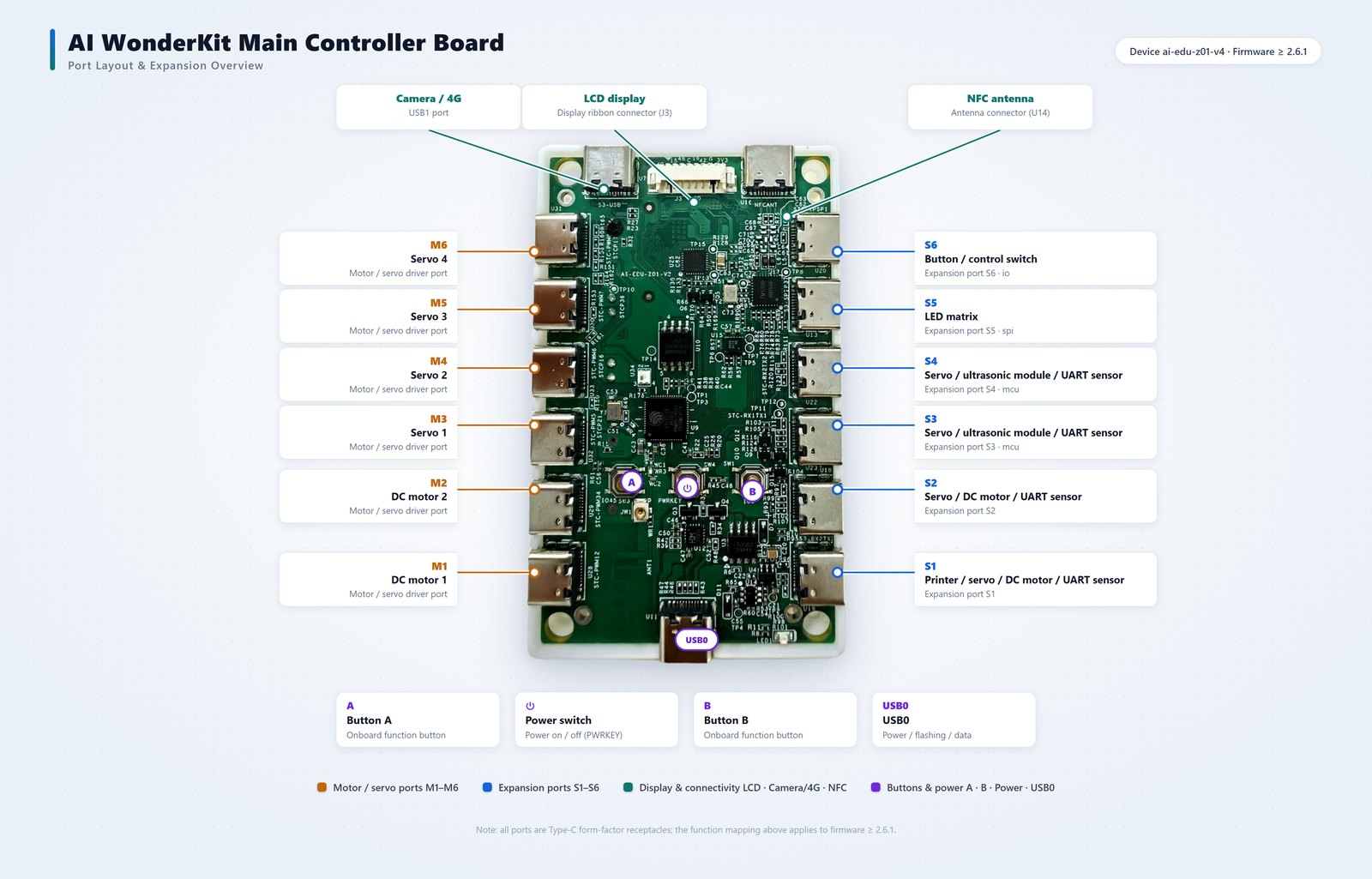
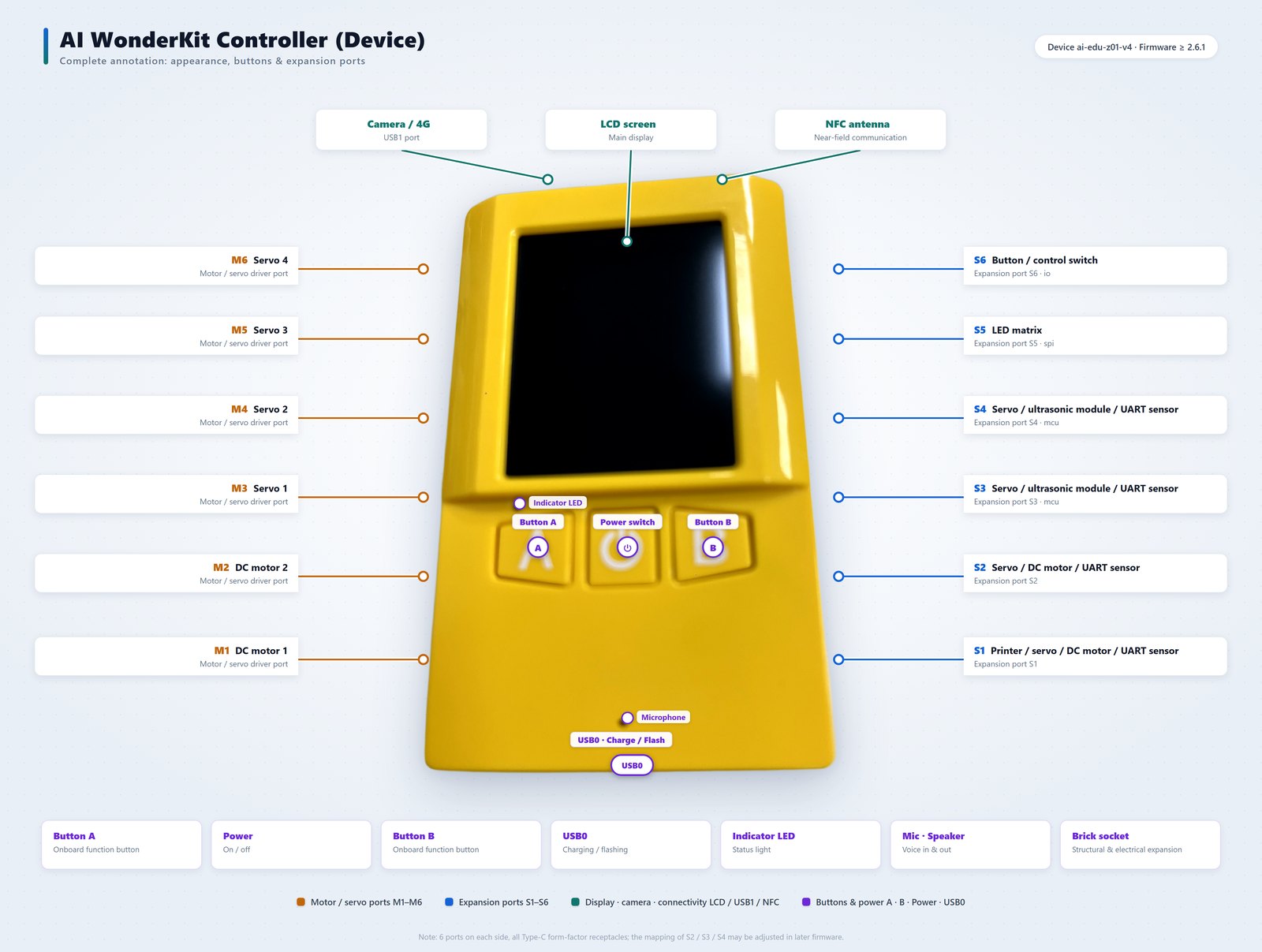
Port definitions apply to firmware ≥ 2.6.1. The mapping of S2 / S3 / S4 may change in later firmware releases; shipped firmware is authoritative.
AI results don’t stop on the screen
Most AI products give kids answers. AI WonderKit gives them artefacts.
Connect the thermal printer module and AI-generated content on screen becomes a picture in their hand. From generation to confirmation to output, a child walks the whole path from digital idea to physical work. Once that path clicks, AI stops being “something that chats”.
Turning a parent’s AI anxiety into a child’s AI confidence
Parents keep asking us: is it good or bad that my kid talks to AI all day?
Our answer is simple: it depends on whether the child is being fed answers by AI or directing AI to do things. The people who can direct AI won’t be replaced by it. That’s exactly what a child practises here — turning “I want it to move” into structure, code, sensing and real motion. After enough reps, the way a child looks at AI changes: from “it’s amazing” to “I know how to use it.”
One last thing
AI WonderKit’s first words after power-on are: “What shall we build today?” And when a build is finished: “It’s alive! Give it a name.”
We want it to be a child’s first creation partner — one that doesn’t create for them, but makes sure every idea they have can actually come alive.
If you’re a parent, a teacher, or you run maker courses and competition training, see more live builds on the AI WonderKit product page, or just talk to us about a configuration.